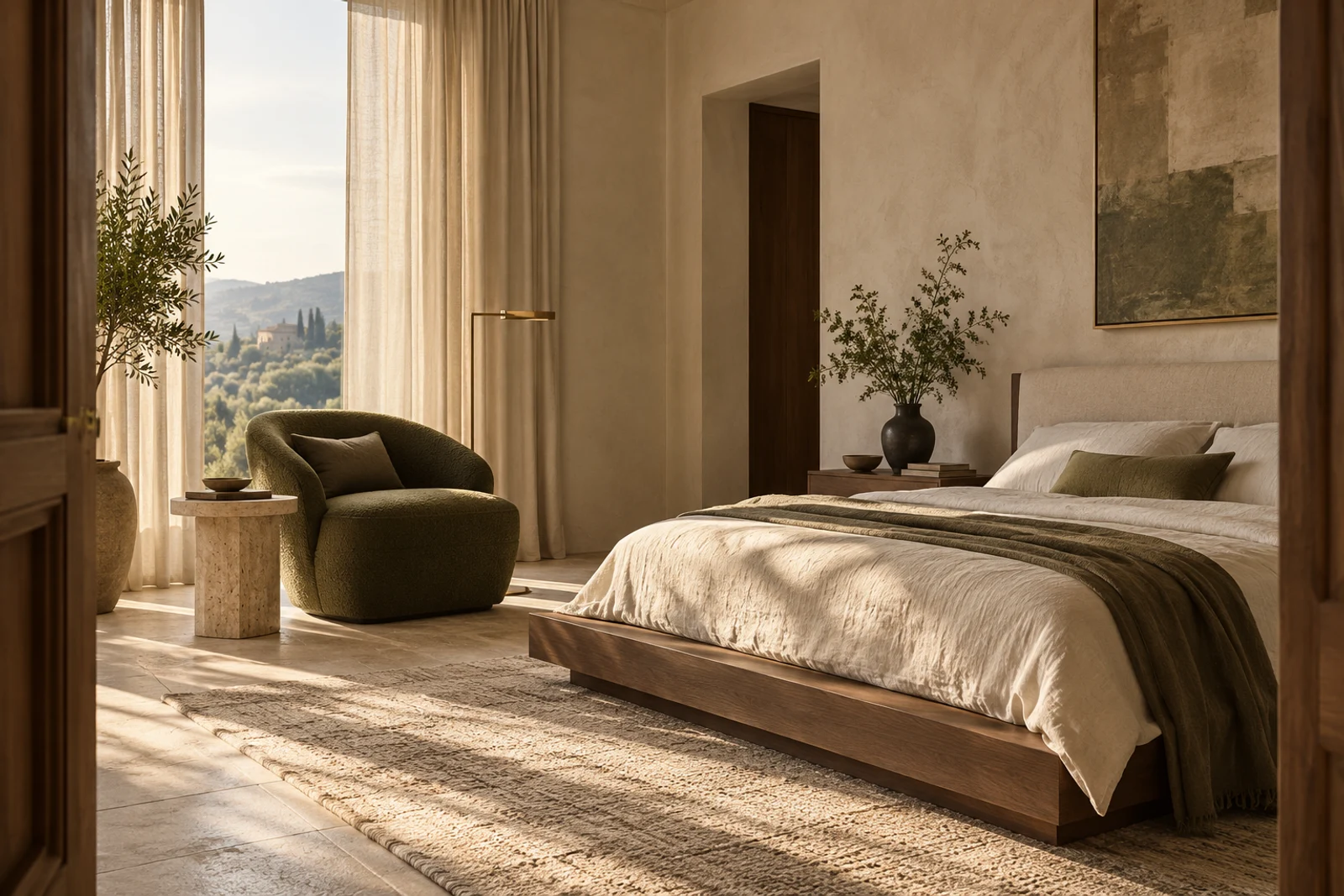
 01 / REST
A softer kind of sanctuary.
Quiet mornings. Unhurried evenings.
 velaDESIGN STUDIO
A little imagination. A sense of possibility.
Make room for the way you want to live.
The quiet corner. The table everyone gathers around. The light at the end of the day. Beautiful spaces begin with the things that matter to you.
Warm textures. Natural light. Room to breathe.
Consider the possibilities.
01 / RESTQuiet mornings. Unhurried evenings.
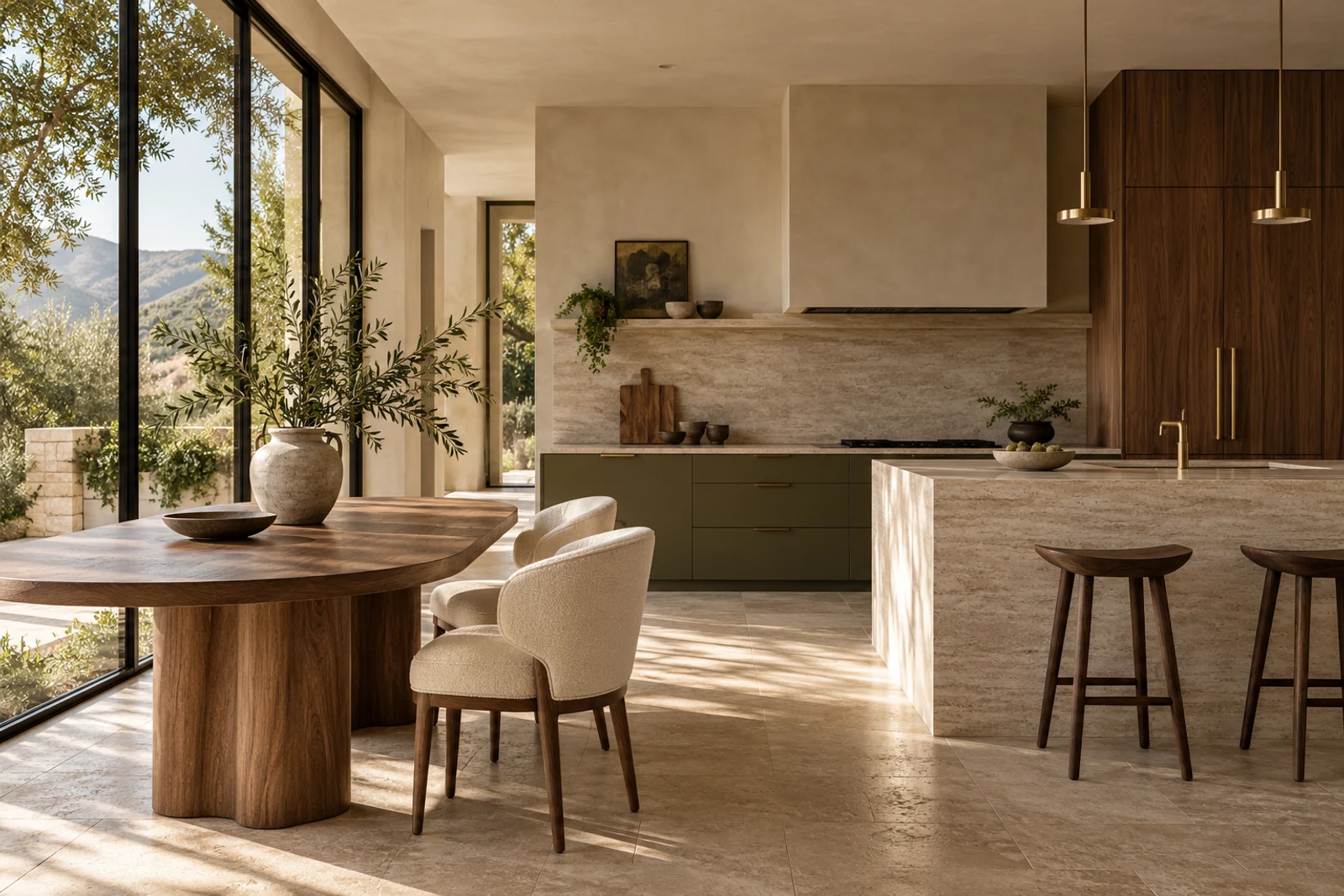 02 / GATHER
Everyday rituals, beautifully considered.
Interior inspiration · AI-created imagery, not Vela renderings.
A thoughtful set of tools, giving your imagination
a place to take shape.
A room, a floor plan, a fresh perspective. Bring your measurements in feet, inches or centimetres.
Explore arrangements, choose a palette and consider the details that make a space feel like you.
Move between 2D and 3D, collect your finishes and prepare a considered design presentation.
A considered palette changes how a room feels. Start with natural tones, explore a different arrangement, and let the details find their place.
See how it comes togetherBegin with your dimensions or upload a floor plan as a reference.
Arrange your space, consider the proportions and refine your palette.
Explore the design in 3D, then save a layout or share a presentation.
Sample testimonials for this design preview.
Not reviews from real customers.
A clearer way to imagine how a room could feel, before moving a single piece.
The small details matter. So does being able to see the whole idea together.
Vela is a browser-based interior design planner for arranging a house or flat in 2D and exploring the same layout in 3D. You can add walls, doors, windows and furniture, adjust measurements and colours, and export your design.
Enter the width and depth of the room you are creating. Plan measurements follow wall centre lines; allow for wall thickness when checking clear internal or external dimensions. In the studio, open Build, then Walls, to add internal walls and divide the space into individual rooms.
Yes. Set up your room in feet and inches or centimetres. The setup form also shows equivalent measurements in feet/inches, centimetres and metres. Studio dimensions display both imperial and metric equivalents.
Yes. Upload a PNG, JPG, WebP or PDF up to 10 MB. Vela uses the first PDF page as a tracing reference. Enter the measured room dimensions, then add walls and openings yourself; Vela does not automatically detect rooms.
Yes. In the 2D plan, select an object and drag its corner or edge handles to resize it. Select an outer or internal wall to change its colour. Doors and windows remain attached to their wall when resized.
Signed-in plans are saved privately in Firebase Firestore and can be reopened on another device. Guests and unsynced drafts use this browser. Tracing images stay in the browser and JSON exports; they are not uploaded. Keep JSON backups and check the cloud-save status before leaving.
Yes. Export a project JSON file to reopen later, a 2D plan as SVG, a 3D view as PNG, or a design presentation. The presentation can be printed or saved as a PDF using your browser.
Vela is a concept planning tool. Verify dimensions, structural changes, clearances, electrical requirements and local regulations with qualified professionals before building or purchasing.
Your space. Your pace. Your point of view.